

Log in to MoEngage
1
Log in
Log in to your MoEngage account using the dashboard access URL provided during signup, e.g. https://dashboard-01.moengage.com.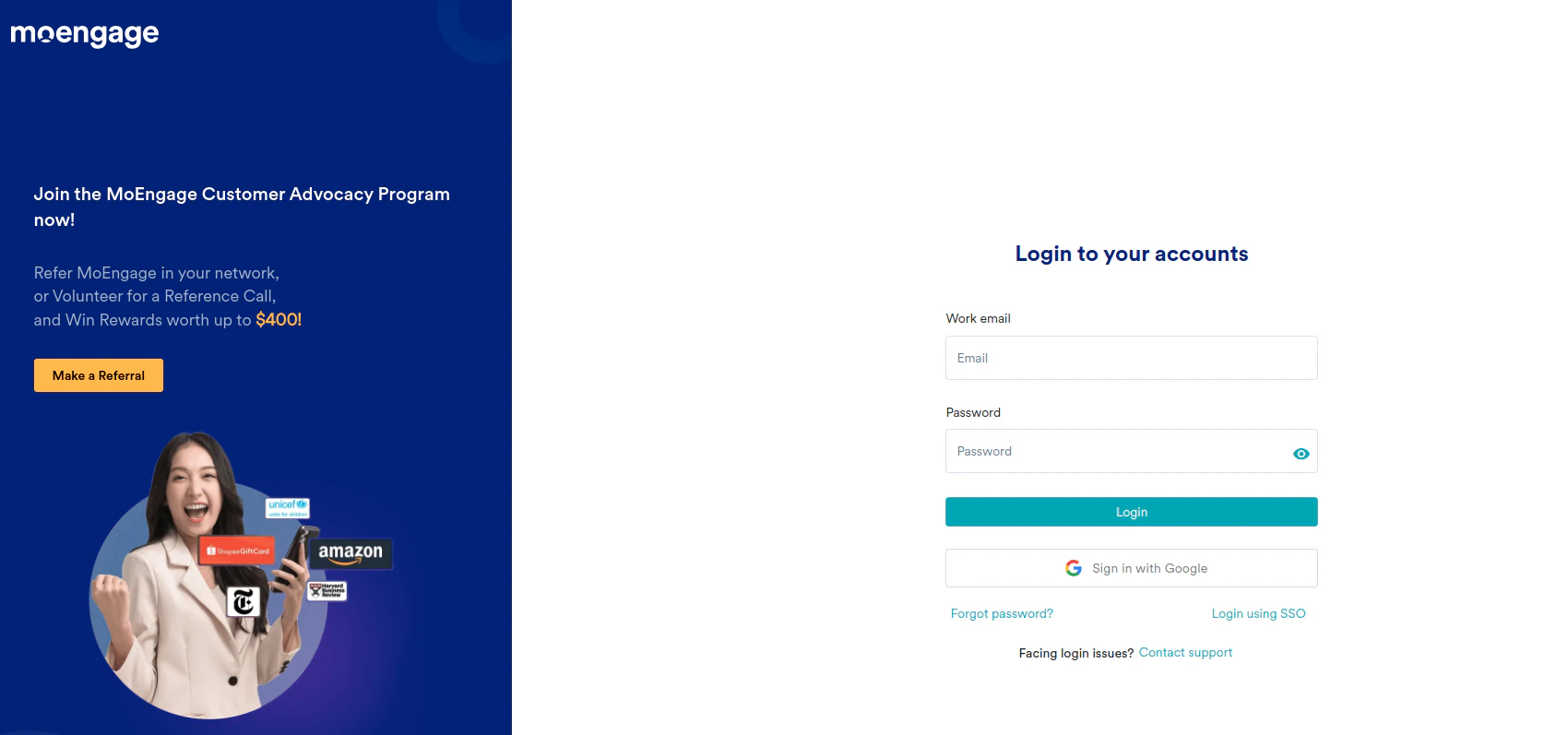
Get the Workspace ID and API keys
1
Navigate to Settings
Click the Settings icon in the bottom-left corner, go to the Account section, and select APIs.
From here, you can copy the Workspace ID, Data API Key, and Push API Key.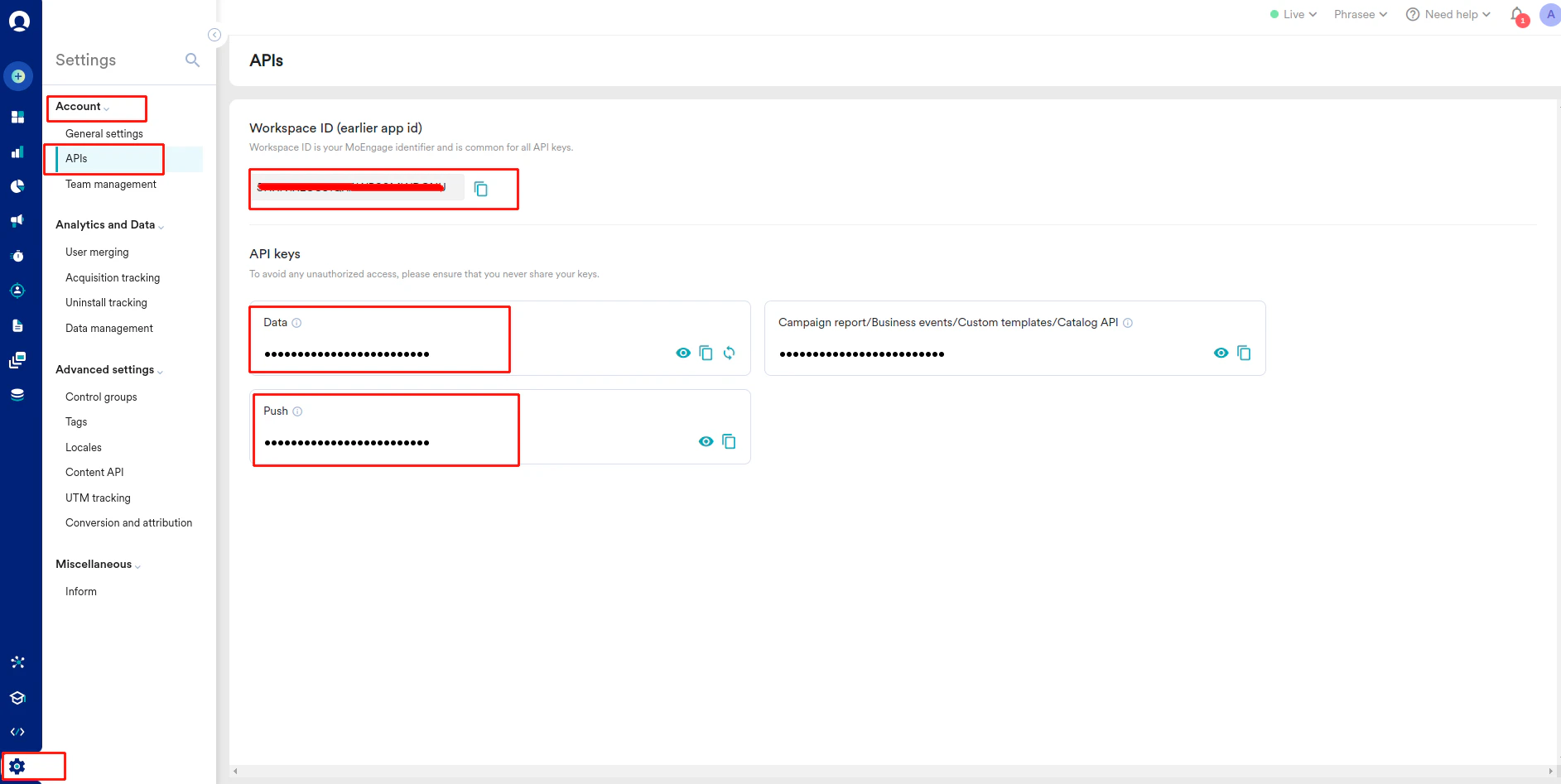
Get the Data Center Number
1
When logged in to your MoEngage account, your Data Center Number name can be found in the URL.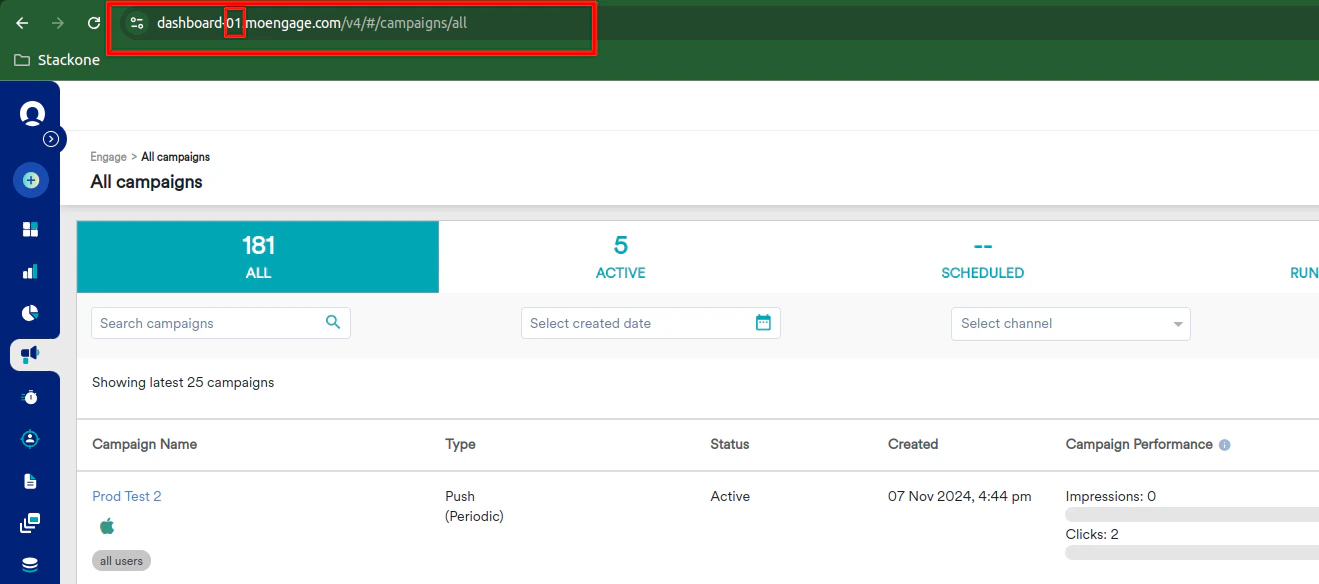
Connecting with StackOne
1
Enter Credentials
Upon reaching the Link Account page, enter the credentials from the previous steps: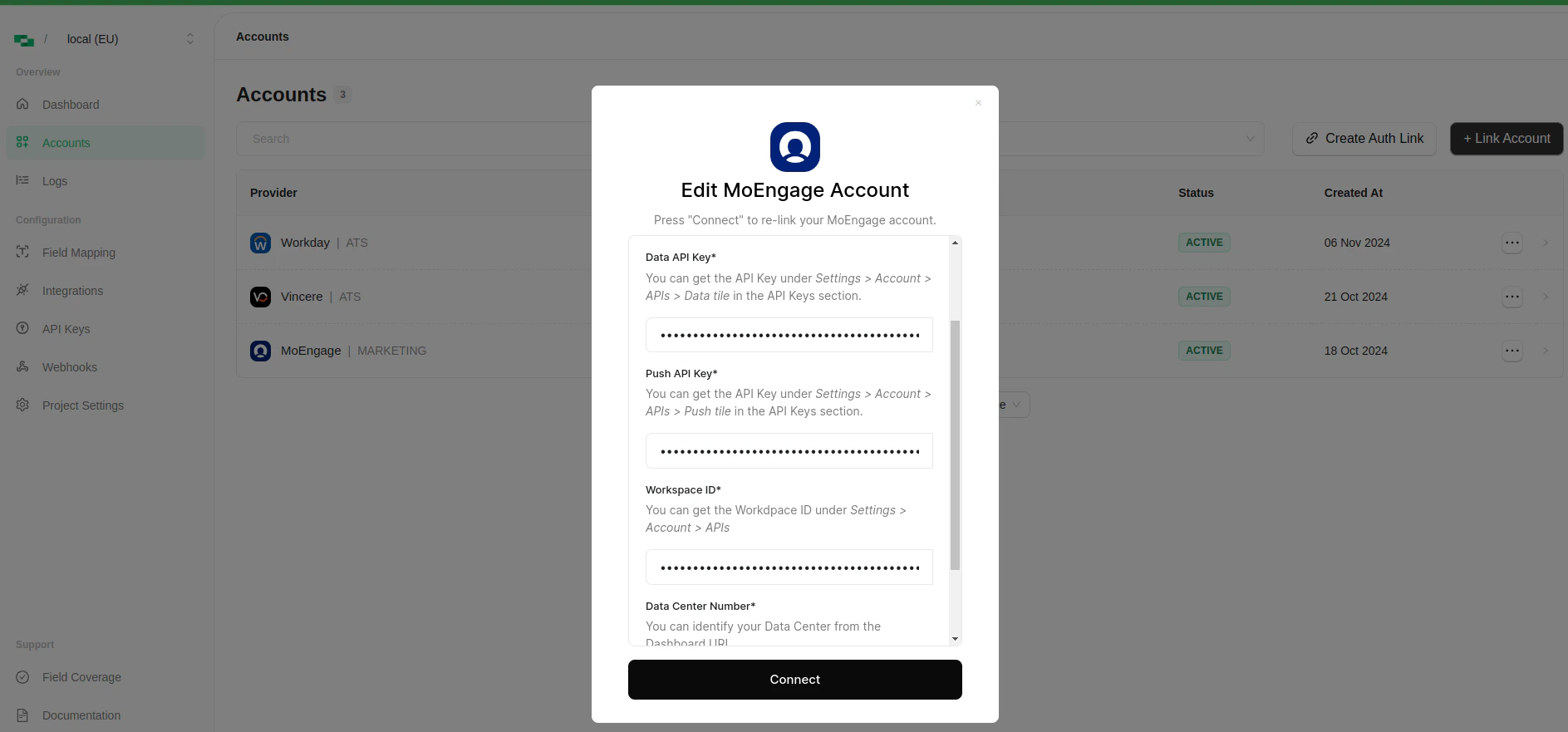
- Data API Key
- Push API Key
- Workspace ID
- Data Center Number
- Created By (This Email ID will be utilized to create and update the resources e.g. Content-Blocks, SMS and PUSH templates)
Congratulations, you’re all set! If you face any issues with the steps mentioned above, please contact us by emailing integrations@stackone.com. We’re always here to assist you!
Available data
This integration has the following MARKETING Resources available from the provider:- Content_blocks
- Email Templates
- Push Templates
- SMS Templates