

Generating an API key
1
Sign in to Sendgrid
Sign in to the Sendgrid Dashboard.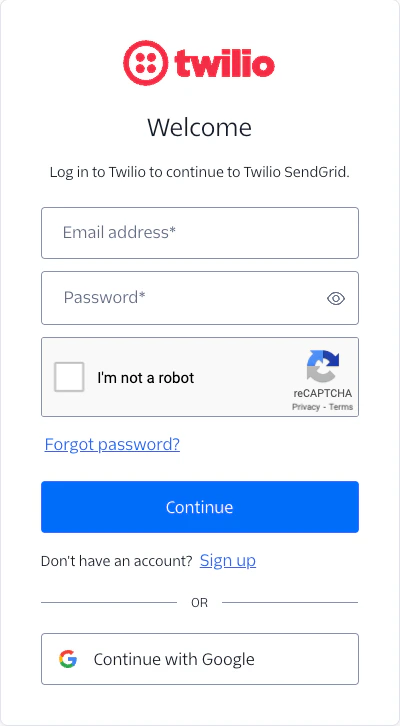
2
Go to Settings
Click on the Settings dropdown and select API Keys.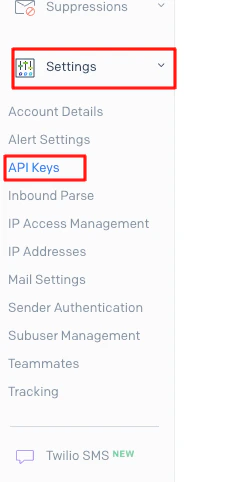
3
Generate the API Key
To Generate the API Key, click the Create API Key button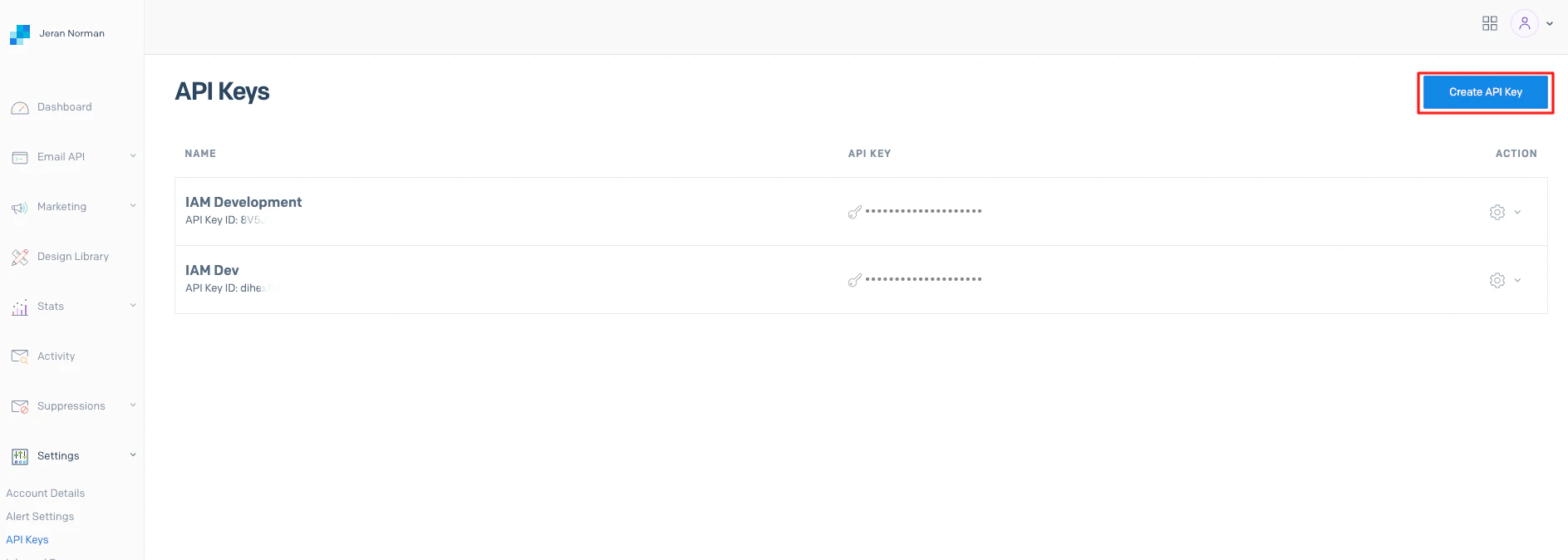
4
Configure permissions
Enter the API Key Name and select Full Access under API Key Permissions.Click Create & View to generate the API Key.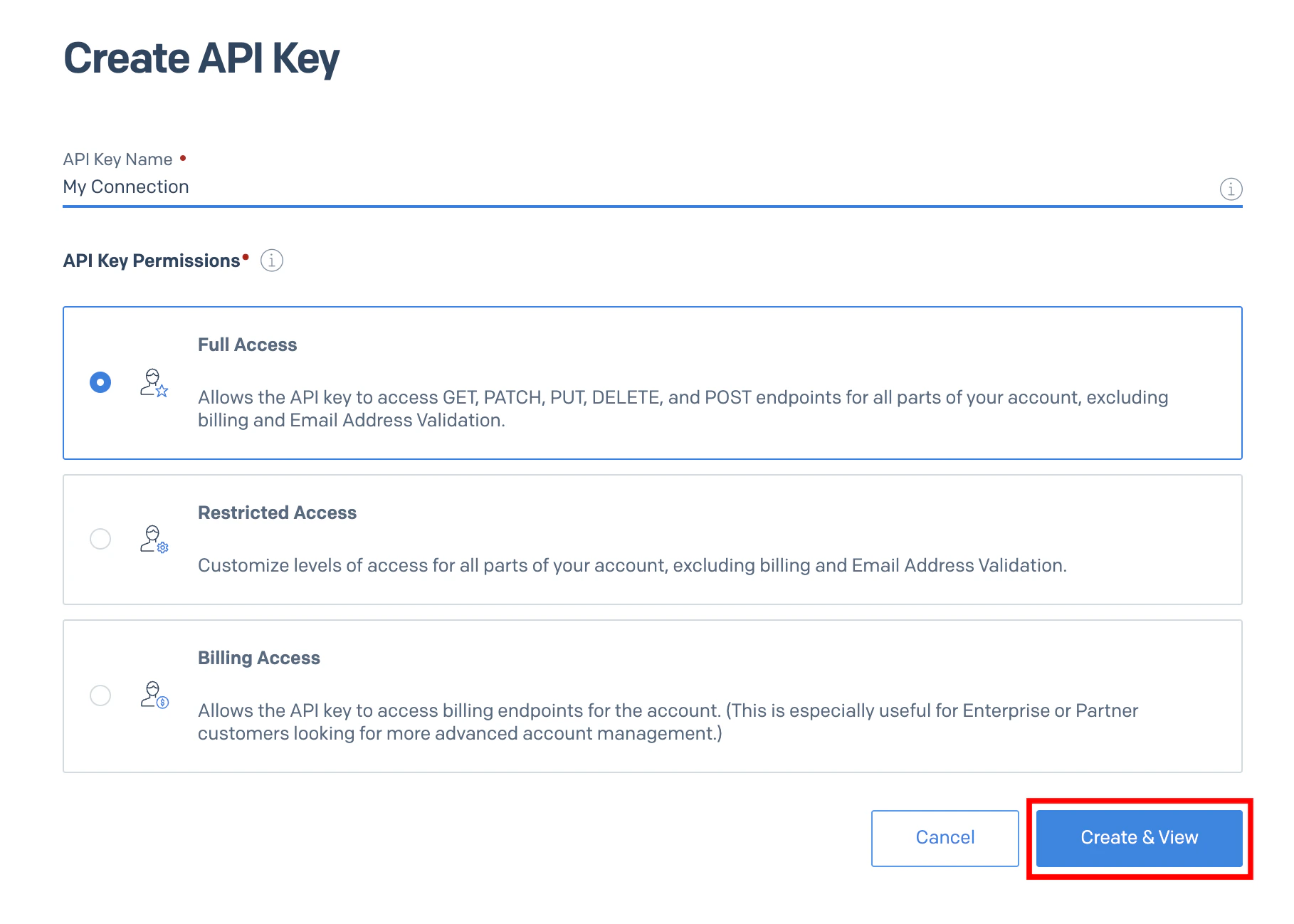
5
Copy the API Key
Copy your new API Key to a safe place to be used in the next step.Click Done in the bottom once complete.
Use the API Key in the StackOne Hub
Upon reaching the Link Account page, enter the generated API key and proceed by clicking the Connect button.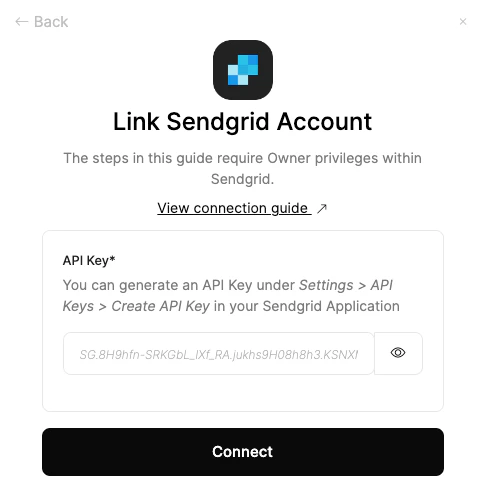
Congratulations, you’re all set! If you face any issues with the steps mentioned above, please contact us by emailing integrations@stackone.com. We’re always here to assist you!
Available data
This integration has the following IAM Resources available from the provider:- Users
- Roles