

Log in to OpenVPN
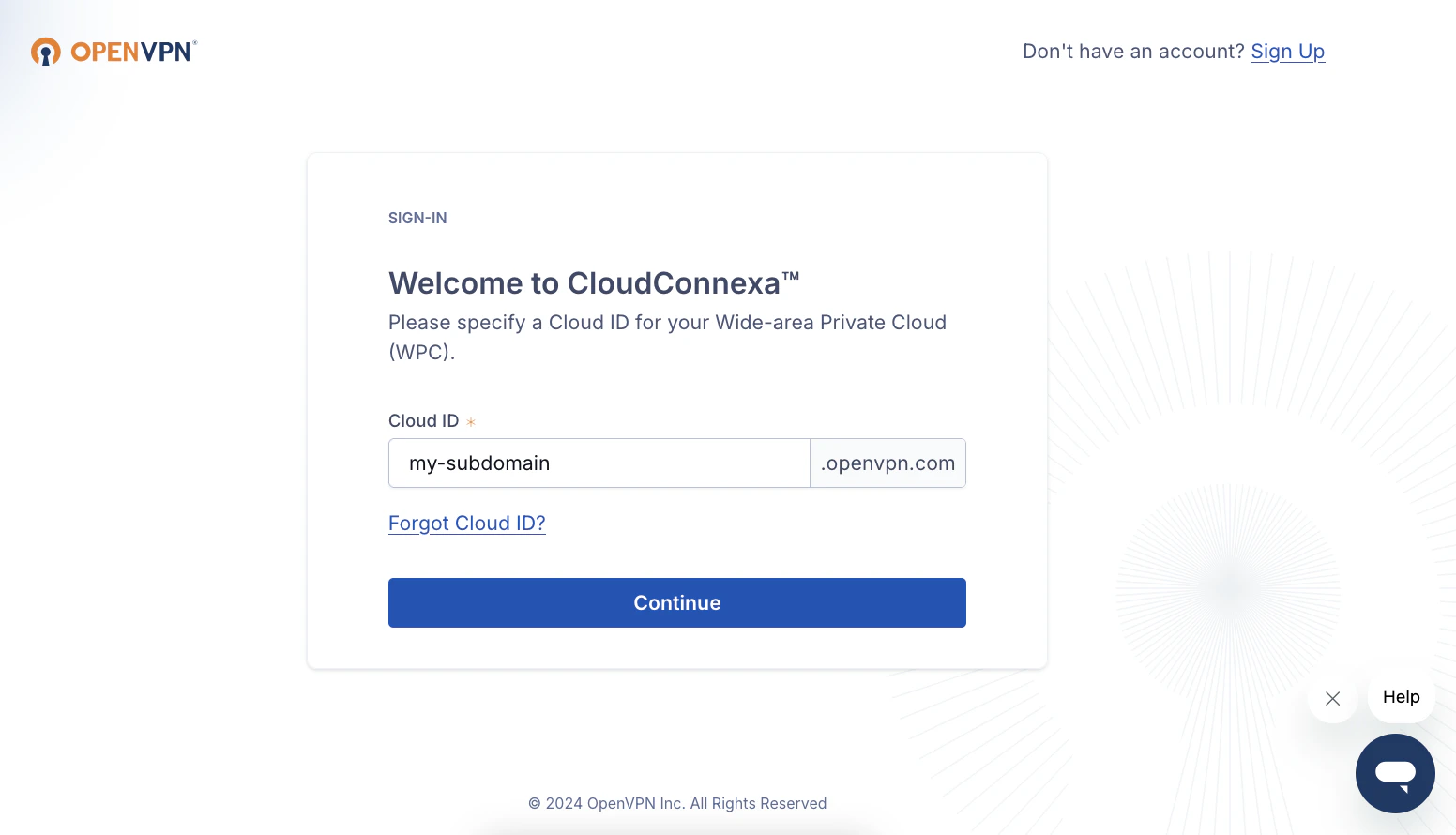
Log in to OpenVPN at https://myaccount.openvpn.com Enter and note your Cloud ID (subdomain) to be used in a later step. This can also be found in the URL once logged in. (Example:https://my-cloud-id.openvpn.com/)
Create API Credentials
1
Navigate to API Credentials
In the left navigation bar, click API & Logs, then API.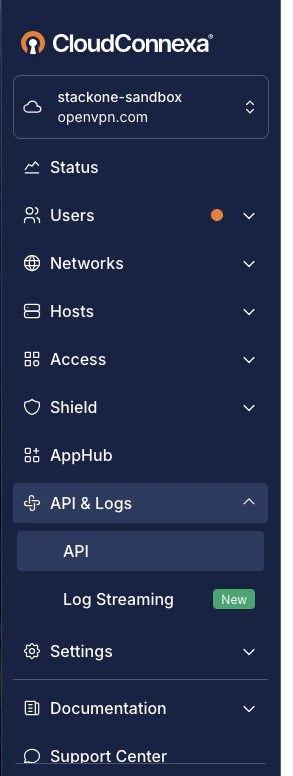
2
Create New Credentials
Under API, first ensure that Enable API for the Cloud ID is enabled.Click the Create Credentials button.
3
Enter Credentials Details
Enter a Name for these new credentials, and select the desired Lifetime (expiry).Click the Create button at the bottom to proceed.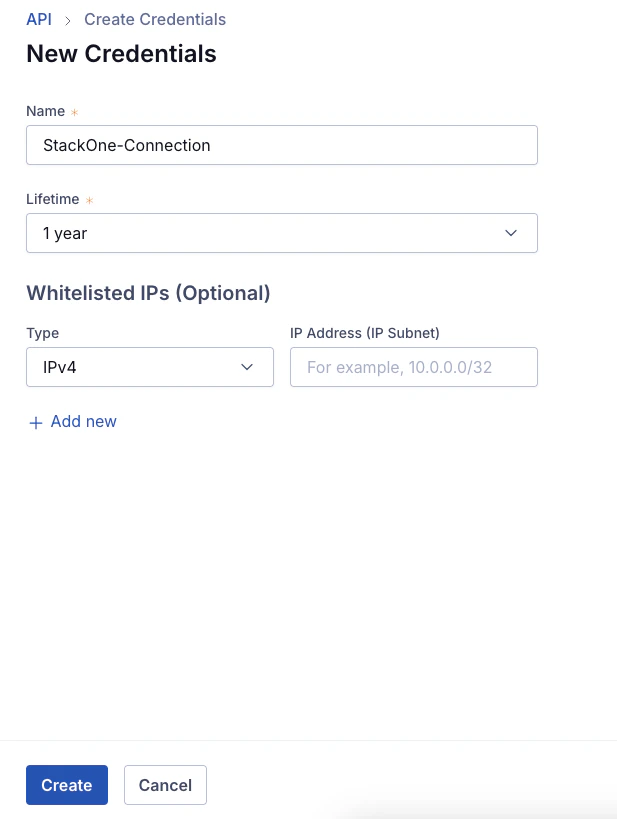
4
Copy Credentials
The new Client ID and Client Secret will be displayed only once. Copy these and store them securely to be used in the next step.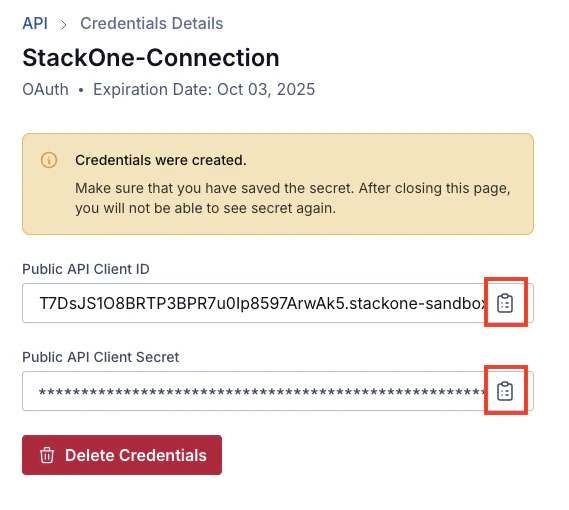
Connecting with StackOne
1
Enter Credentials
Upon reaching the Link Account page, enter the credentials from the previous steps:
- Cloud ID (subdomain)
- Client ID
- Client Secret
Congratulations, you’re all set! If you face any issues with the steps mentioned above, please contact us by emailing integrations@stackone.com. We’re always here to assist you!
Available data
This integration has the following IAM Resources available from the provider:- Users
- Roles