

Establish a connection with StackOne
1
Proceed to the Accounts page
Proceed to the Accounts page to establish a connection between Gusto and StackOne. Then click the 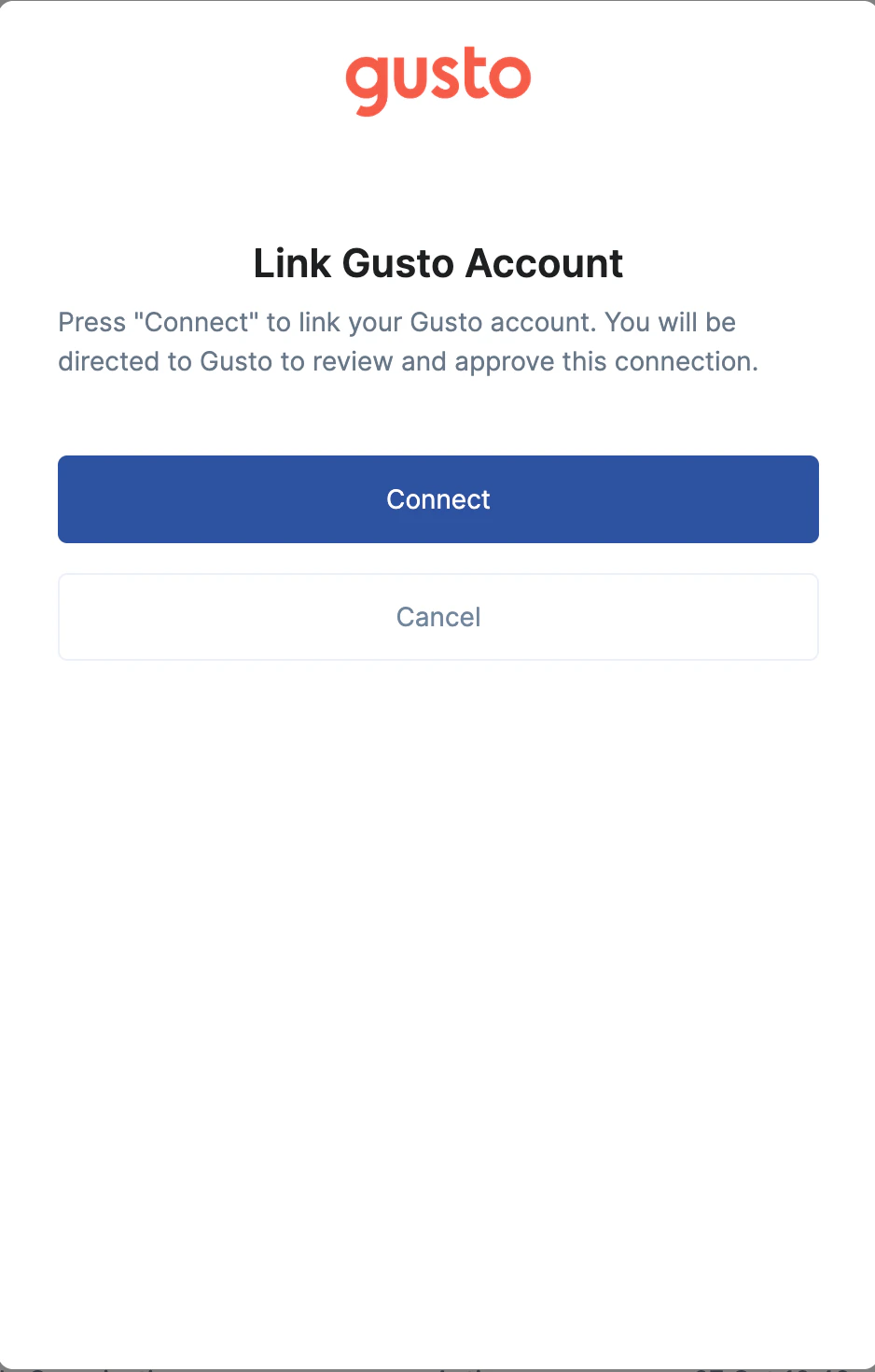
Connect button.2
Enter your Gusto account credentials
Enter your Gusto account credentials in the opened tab.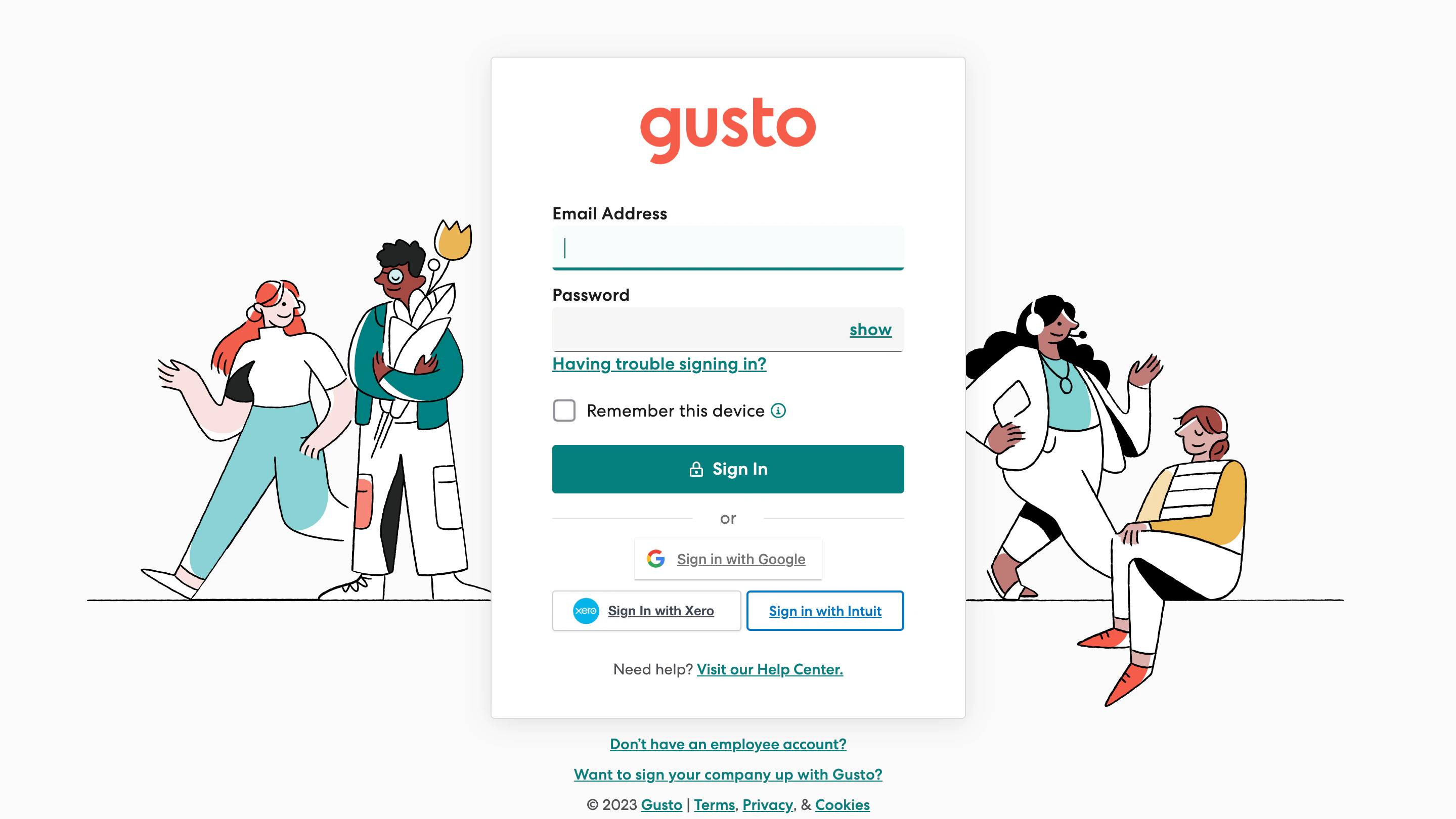
3
Select your Company
Select your Company from the drop-down list, and click Authorize.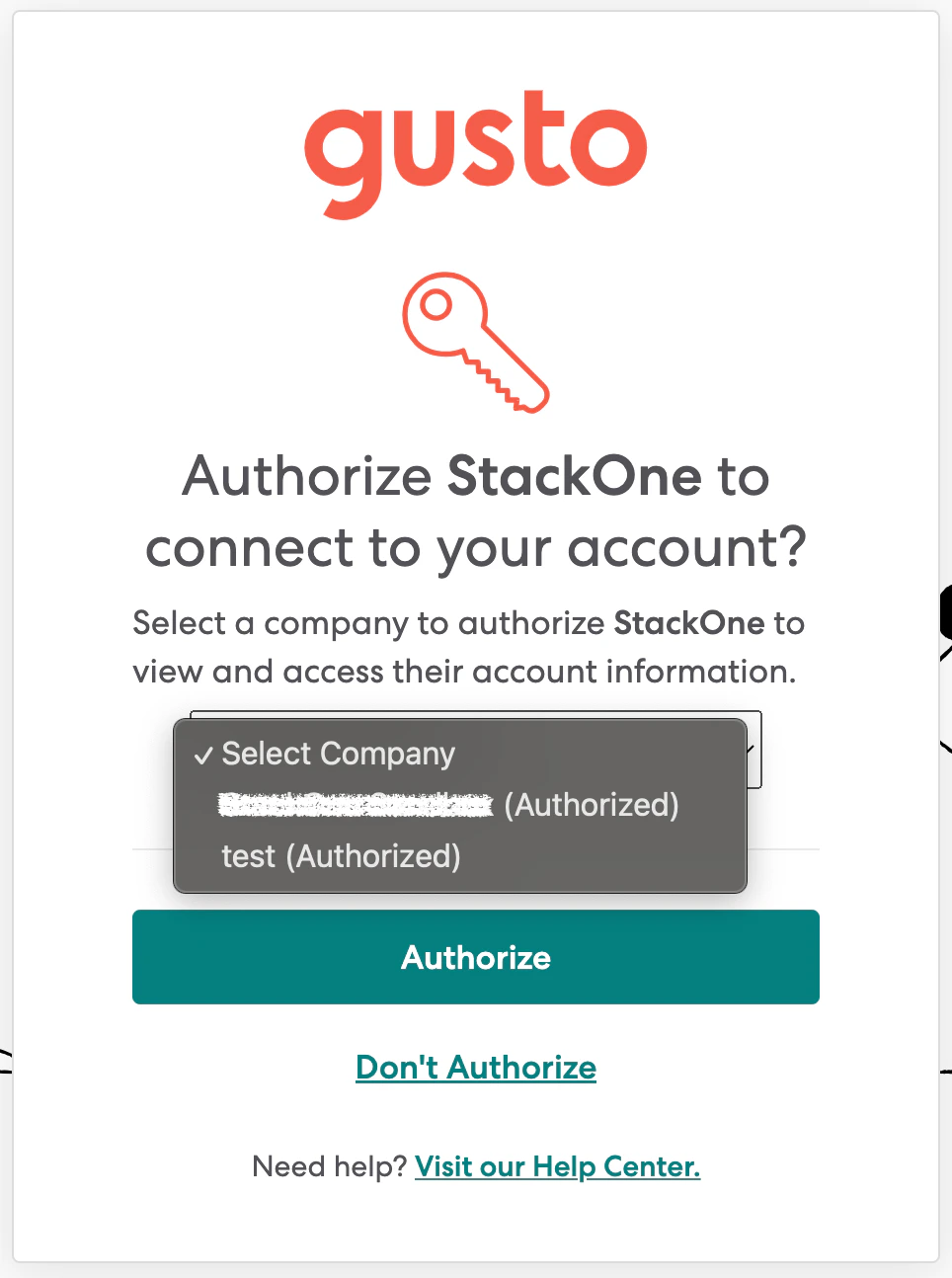
Account connected” success message and the opened tab will close.
Congratulations, you’re all set! If you face any issues with the steps mentioned above, please contact us by emailing integrations@stackone.com. We’re always here to assist you!